Meet Yago, your business partner on WhatsApp
Meet Yago, your business partner on WhatsApp
Oct 22, 2025
🤖 Create an AI Agent for your Sales on Whatsapp FREE
Turn WhatsApp into your automated sales channel with artificial intelligence, without cost or complications.
Silvana Cabrera
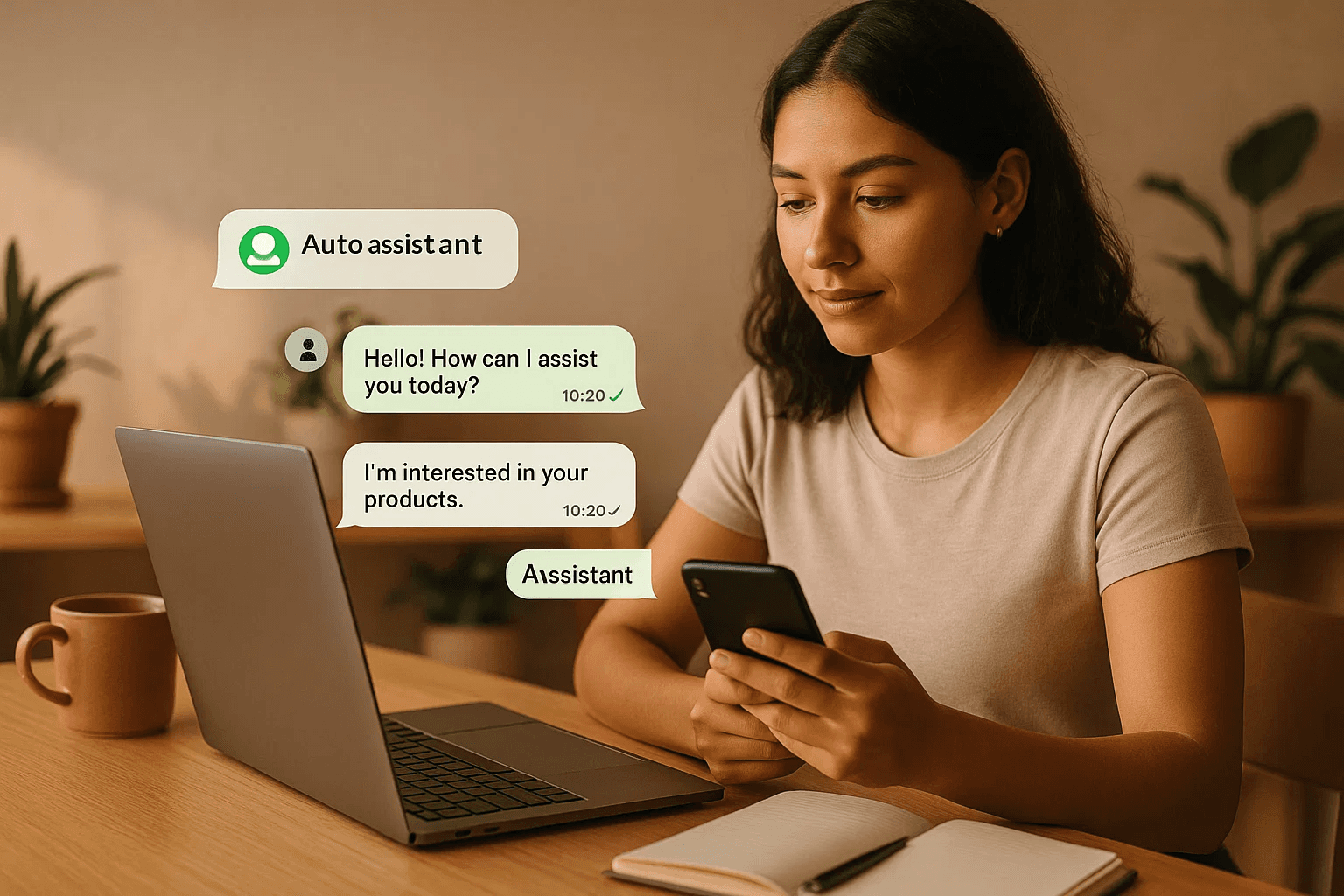
Can you imagine having a sales assistant to attend to your customers while you sleep? You don’t need to be a programmer or pay a license to start. With the free version of YaVendió!, you can create your own artificial intelligence agent for WhatsApp in minutes.
In this tutorial, I explain step by step how to do it from scratch, what you can achieve with the free version, and when it is worth switching to a professional version.
🧠 What is an AI agent (and what it can do for free)
An AI agent is a virtual assistant that automatically responds to your customers, recommends products, and accompanies them until a sale is completed. In the free version of YaVendió!, you can create a basic agent for WhatsApp that:
✅ Automatically responds to messages.
✅ Provides information about your products, prices, and hours.
✅ Offers a personalized experience with your own communication style.
The free version is ideal for entrepreneurs who are starting out or want to test automation before investing. When your message volume grows and you need metrics, integrated payments, or more advanced flows, that's when it's worth moving to a professional plan.
🪄 Step 1: Sign up on the platform
👉 Visit ya.onl/login
There you can log in or register for the first time.
💬 If you don't have an account yet, click on “Register”. Then complete:
Your email address.
Your phone number (the owner or business leader's, not the one the seller will use).
A verification code that you will receive by SMS.
Then create a secure password and approve account access.
🧩 You’re in. Now you will create your organization, meaning your business within the platform. Enter the name, country, and currency. If you sell in Peru, select “Peruvian Sol”. If you sell abroad, you can use “dollars” as the standard currency.
💡 Example:
Business name: Gardenias
Industry: Home and decoration
Country: Peru
Currency: Peruvian Sol
🌿 Step 2: Set up your AI vendor
In the left sidebar, under “Products”, select My vendor. Here begins the most interesting part: you are going to bring your assistant to life.
The setup has four main sections:
1️⃣ Personality
Define who your agent is.
Name: Bianca, for example.
Communication style: friendly, close, and conversational.
Company description: “Store specialized in high-end plants and flowers”.
You can choose the tone that best aligns with your brand. If your business is young and casual, select Friendly and close. If it is more corporate, opt for Professional and direct.
2️⃣ Audience and instructions
Tell your agent who they are selling to. Describe your ideal customers: “Women between 30 and 50 years old who love to decorate their spaces with real plants”.
Then add special instructions, such as:
Focus on the variety of decorative plants.
Mention the aesthetic and energetic benefits of each species.
The more specific the information, the more natural the agent's conversation will be.
3️⃣ Sales style
Select the type of seller you want:
Consultative: answers inquiries and guides the purchase decision.
Educational: ideal for schools or courses.
Emotional: uses brief storytelling to connect.
💡 For a store like Gardenias, the “consultative” style is perfect: answers questions, suggests options, and maintains a suggestive but not insistent attitude.
4️⃣ Communication details
Choose the message length (balanced works well), activate emoji use, and define words your agent should avoid (for example: plastic, fake). You can also select your favorite emojis 🌿💚✨ to maintain brand coherence.
💬 Step 3: Create your welcome message
Your agent needs an introduction that reflects your business personality. Example:
“Hello! 🌿 I'm Bianca, your virtual advisor at Gardenias. I'm here to help you find the perfect plant for your home. What kind of space would you like to decorate today?”
You can also customize the purchase confirmation or human handoff message when the customer requests to speak with a team member.
📚 Step 4: Feed your agent with information (FAQs)
In the “FAQs” (Frequently Asked Questions) section, add everything your agent needs to know to answer correctly.
Available categories:
Products
Hours
Shipping
Payments
Returns
Others
Example:
❓ How to care for a monstera deliciosa?
💬 Water it once a week and place it in an area with indirect light.
You can also include campaigns or launches. If you have a “good luck plants” promotion this weekend, add it to the “Products” category so the agent communicates it.
🚚 Step 5: Set up deliveries and payments
Go to the “Deliveries” section and create your coverage zones.
You can group them by district or city:
Lima Metropolitana: Miraflores, Barranco, San Isidro.
Express shipping: arrives in 24 hours (S/ 20).
Regular shipping: arrives in 2–3 days (S/ 12).
Then, in “Payments”, choose your available methods:
Bank transfer (BCP, Interbank, etc.).
Digital wallets.
Payment link.
👉 If you don't have one yet, check our guide on the best payment gateways for e-commerce.
And an important tip: add the instruction “Don’t forget to ask for proof or a payment photo” so your agent always remembers.
🧩 How to enhance your agent with practice
The key is to test and adjust.
The more your agent interacts, the more information you will have to optimize it:
Review frequent conversations.
Adjust the tone if you notice messages are too long or too short.
Add new responses based on real customer doubts.
The free version of YaVendió! allows you to experiment and familiarize yourself with automation. But if you already handle many messages, active campaigns, or want to integrate automatic payments and reports, it's best to move to a professional plan. There you can create intelligent flows, automatic tags, and conversion reports.
🧭 Conclusion
Creating an artificial intelligence agent for sales no longer requires coding, time, or initial investment. With the free version of YaVendió!, you can have an operational virtual seller in minutes and start experiencing the power of automation.
As your business grows and you need more control, metrics, or advanced segmentation, YaVendió!’s professional plans are the natural evolution. The important thing is to start: test, learn, and let AI work for you. 🚀

Can you imagine having a sales assistant to attend to your customers while you sleep? You don’t need to be a programmer or pay a license to start. With the free version of YaVendió!, you can create your own artificial intelligence agent for WhatsApp in minutes.
In this tutorial, I explain step by step how to do it from scratch, what you can achieve with the free version, and when it is worth switching to a professional version.
🧠 What is an AI agent (and what it can do for free)
An AI agent is a virtual assistant that automatically responds to your customers, recommends products, and accompanies them until a sale is completed. In the free version of YaVendió!, you can create a basic agent for WhatsApp that:
✅ Automatically responds to messages.
✅ Provides information about your products, prices, and hours.
✅ Offers a personalized experience with your own communication style.
The free version is ideal for entrepreneurs who are starting out or want to test automation before investing. When your message volume grows and you need metrics, integrated payments, or more advanced flows, that's when it's worth moving to a professional plan.
🪄 Step 1: Sign up on the platform
👉 Visit ya.onl/login
There you can log in or register for the first time.
💬 If you don't have an account yet, click on “Register”. Then complete:
Your email address.
Your phone number (the owner or business leader's, not the one the seller will use).
A verification code that you will receive by SMS.
Then create a secure password and approve account access.
🧩 You’re in. Now you will create your organization, meaning your business within the platform. Enter the name, country, and currency. If you sell in Peru, select “Peruvian Sol”. If you sell abroad, you can use “dollars” as the standard currency.
💡 Example:
Business name: Gardenias
Industry: Home and decoration
Country: Peru
Currency: Peruvian Sol
🌿 Step 2: Set up your AI vendor
In the left sidebar, under “Products”, select My vendor. Here begins the most interesting part: you are going to bring your assistant to life.
The setup has four main sections:
1️⃣ Personality
Define who your agent is.
Name: Bianca, for example.
Communication style: friendly, close, and conversational.
Company description: “Store specialized in high-end plants and flowers”.
You can choose the tone that best aligns with your brand. If your business is young and casual, select Friendly and close. If it is more corporate, opt for Professional and direct.
2️⃣ Audience and instructions
Tell your agent who they are selling to. Describe your ideal customers: “Women between 30 and 50 years old who love to decorate their spaces with real plants”.
Then add special instructions, such as:
Focus on the variety of decorative plants.
Mention the aesthetic and energetic benefits of each species.
The more specific the information, the more natural the agent's conversation will be.
3️⃣ Sales style
Select the type of seller you want:
Consultative: answers inquiries and guides the purchase decision.
Educational: ideal for schools or courses.
Emotional: uses brief storytelling to connect.
💡 For a store like Gardenias, the “consultative” style is perfect: answers questions, suggests options, and maintains a suggestive but not insistent attitude.
4️⃣ Communication details
Choose the message length (balanced works well), activate emoji use, and define words your agent should avoid (for example: plastic, fake). You can also select your favorite emojis 🌿💚✨ to maintain brand coherence.
💬 Step 3: Create your welcome message
Your agent needs an introduction that reflects your business personality. Example:
“Hello! 🌿 I'm Bianca, your virtual advisor at Gardenias. I'm here to help you find the perfect plant for your home. What kind of space would you like to decorate today?”
You can also customize the purchase confirmation or human handoff message when the customer requests to speak with a team member.
📚 Step 4: Feed your agent with information (FAQs)
In the “FAQs” (Frequently Asked Questions) section, add everything your agent needs to know to answer correctly.
Available categories:
Products
Hours
Shipping
Payments
Returns
Others
Example:
❓ How to care for a monstera deliciosa?
💬 Water it once a week and place it in an area with indirect light.
You can also include campaigns or launches. If you have a “good luck plants” promotion this weekend, add it to the “Products” category so the agent communicates it.
🚚 Step 5: Set up deliveries and payments
Go to the “Deliveries” section and create your coverage zones.
You can group them by district or city:
Lima Metropolitana: Miraflores, Barranco, San Isidro.
Express shipping: arrives in 24 hours (S/ 20).
Regular shipping: arrives in 2–3 days (S/ 12).
Then, in “Payments”, choose your available methods:
Bank transfer (BCP, Interbank, etc.).
Digital wallets.
Payment link.
👉 If you don't have one yet, check our guide on the best payment gateways for e-commerce.
And an important tip: add the instruction “Don’t forget to ask for proof or a payment photo” so your agent always remembers.
🧩 How to enhance your agent with practice
The key is to test and adjust.
The more your agent interacts, the more information you will have to optimize it:
Review frequent conversations.
Adjust the tone if you notice messages are too long or too short.
Add new responses based on real customer doubts.
The free version of YaVendió! allows you to experiment and familiarize yourself with automation. But if you already handle many messages, active campaigns, or want to integrate automatic payments and reports, it's best to move to a professional plan. There you can create intelligent flows, automatic tags, and conversion reports.
🧭 Conclusion
Creating an artificial intelligence agent for sales no longer requires coding, time, or initial investment. With the free version of YaVendió!, you can have an operational virtual seller in minutes and start experiencing the power of automation.
As your business grows and you need more control, metrics, or advanced segmentation, YaVendió!’s professional plans are the natural evolution. The important thing is to start: test, learn, and let AI work for you. 🚀
Oct 22, 2025


Bring the magic to your sales TODAY!
Get a demo


Bring the magic to your sales TODAY!
Get a demo
@2024 YA VENDIO - All rights reserved
@2024 YA VENDIO - All rights reserved